IP Telephone About
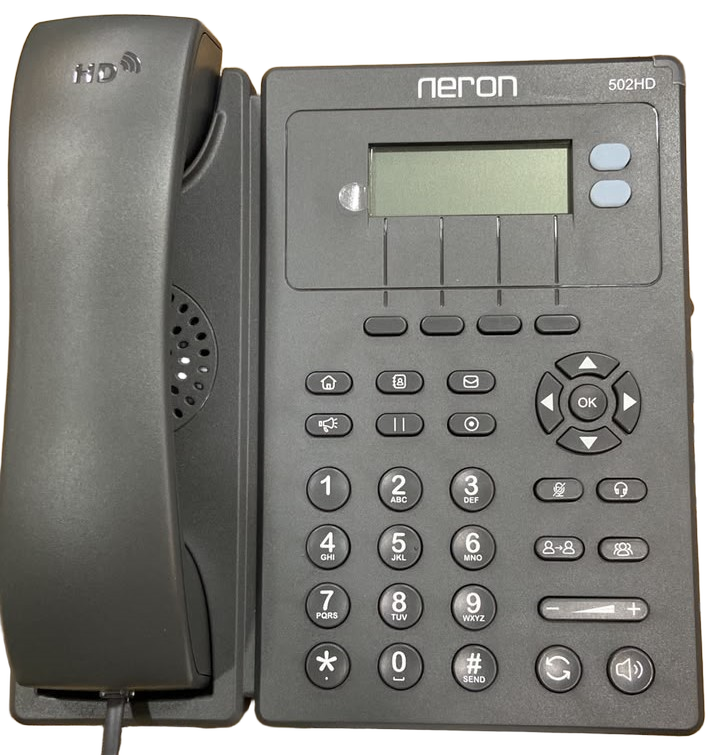
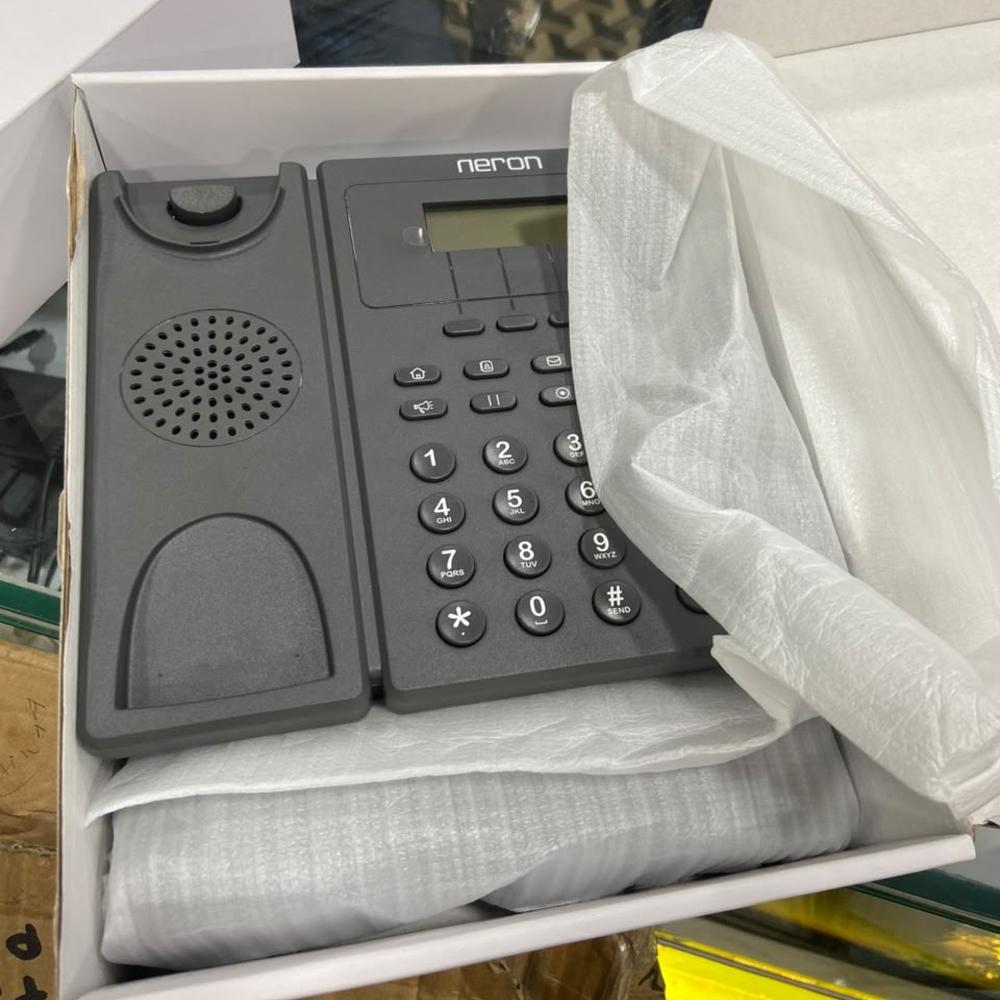
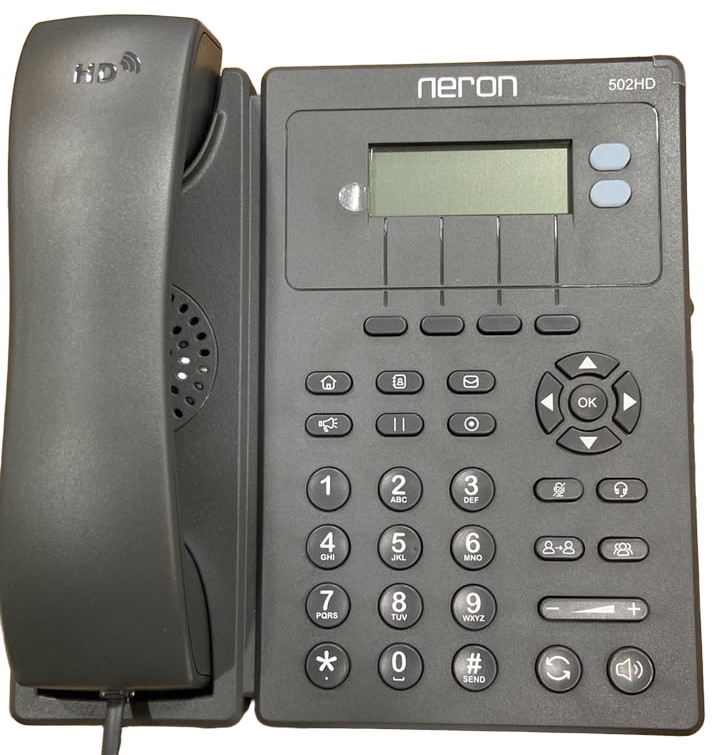
Neron NXP 502 HD SIP Phone is an ideal choice for businesses and individuals who need a reliable and feature-rich VoIP phone with advanced communication capabilities. It supports up to 2 SIP accounts, which means that you can register it with two different PBX/ SIP Ext. or VoIP providers and use them interchangeably.
It supports several audio codecs, including G.729, PCMA, PCMU, and OPUS, which provides you with flexibility in choosing the codec that best suits your needs and deliver HD voice quality, which ensures that you can communicate clearly and effectively even in noisy environments. In terms of connectivity options, NXP 502 HD SIP Phone supports both Power over Ethernet (PoE) and PSU with Wi-Fi (2.4 GHz) network connectivity, which offers greater flexibility in where you can place the phone. Additionally, the phone features a headset jack, which allows you to use a headset for hands-free communication featured with 6-party conference calls, phonebook LDAP, OpenVPN which allows you to store and access your contacts easily.
Neron NXP 502 HD SIP Phone is a reliable and feature-rich VoIP phone that can enhance your communication experience and streamline your business operations.
Versatile Compatibility Across PlatformsDesigned for both Mac and Windows systems, this IP Telephone provides exceptional compatibility and streamlined integration with existing infrastructure. Its SATA interface ensures fast data transfer speeds, while the internal HDD style allows for secure and efficient storage. This makes it an ideal solution for modern offices that require scalable and reliable communication tools.
Long-Term Durability with Five-Year WarrantyWith an impressive five-year warranty, users can have peace of mind knowing that their investment is protected. The robust build and advanced cache capacity enable consistent performance even in demanding business environments. Support is readily available through service providers, suppliers, and traders, making deployment and maintenance hassle-free.
FAQ's of IP Telephone:
Q: How do I install the IP Telephone with SATA interface on Mac or Windows platforms?
A: To install the IP Telephone, connect the internal HDD-style device via its SATA interface to your system's compatible slot. Follow the manufacturer's setup guide specific to Mac or Windows for proper configuration, ensuring all drivers are up to date for optimal performance.
Q: What is the benefit of having a 256MB cache capacity in this IP Telephone?
A: The 256MB cache provides faster access to frequently used data, resulting in smoother call processing, reduced latency, and improved overall communication quality, especially during high call volume periods.
Q: When can I expect warranty service for this product if an issue occurs?
A: If you encounter any issues within the 5-year warranty period, you can contact your point of purchase-whether it is a service provider, supplier, or trader. They will guide you through the warranty claim process and assist with repairs or replacements.
Q: Where can I purchase or acquire support for this IP Telephone?
A: This IP Telephone can be purchased and supported through authorized service providers, suppliers, and traders. Check with your preferred vendor to ensure availability and after-sales support.
Q: What is the process for integrating the internal IP Telephone with my business communication system?
A: Begin by installing the device into a compatible slot using the SATA interface. Once installed, configure the settings according to your business network requirements on either Mac or Windows, following the provided documentation for a smooth transition.
Q: How is the compact 3.5-inch size advantageous for users?
A: The compact 3.5-inch size allows for flexible placement within a variety of office setups. It is space-efficient, making it convenient for environments that need to maximize operational space without sacrificing functionality.





 Send Inquiry


 Send Inquiry